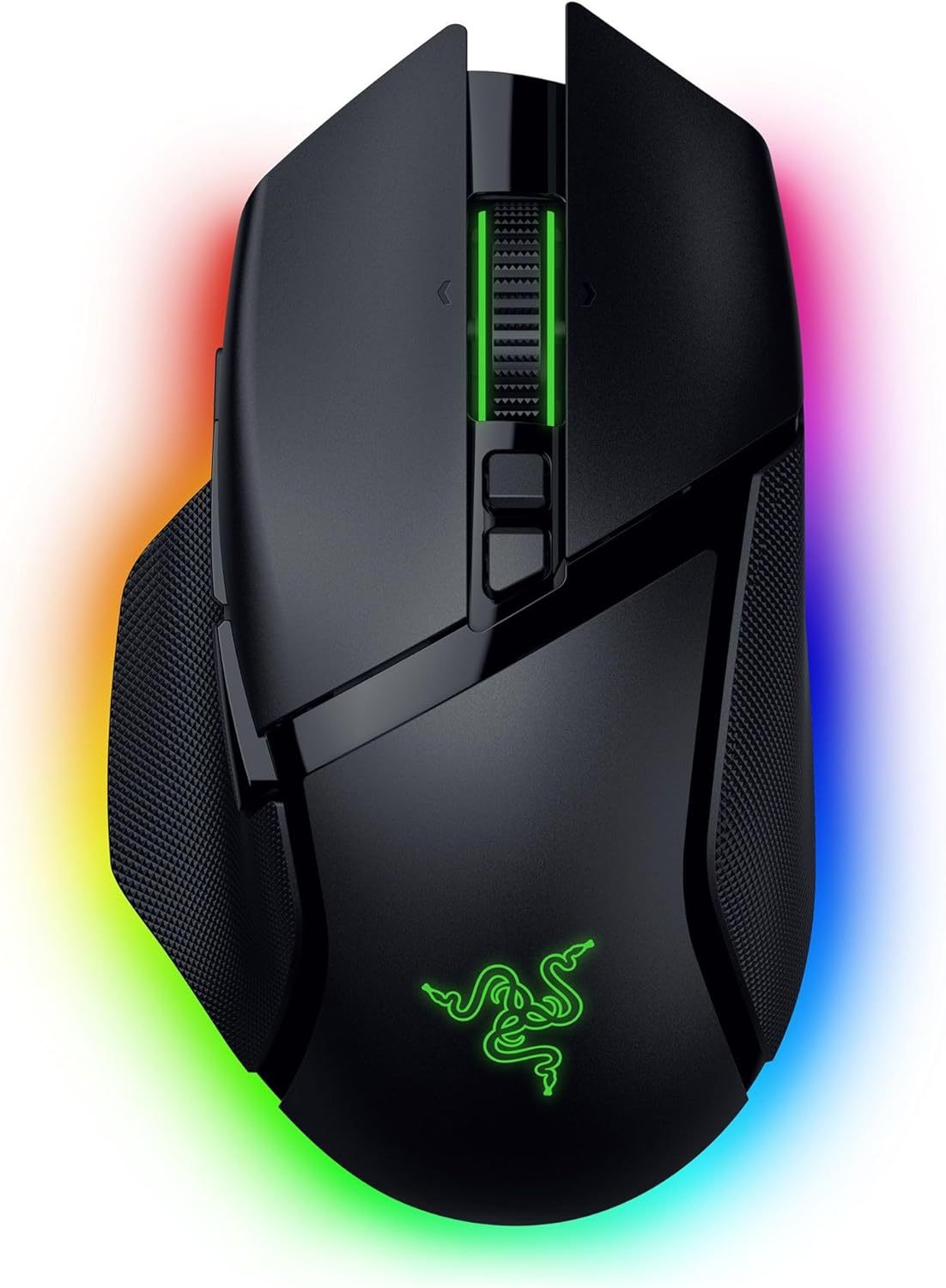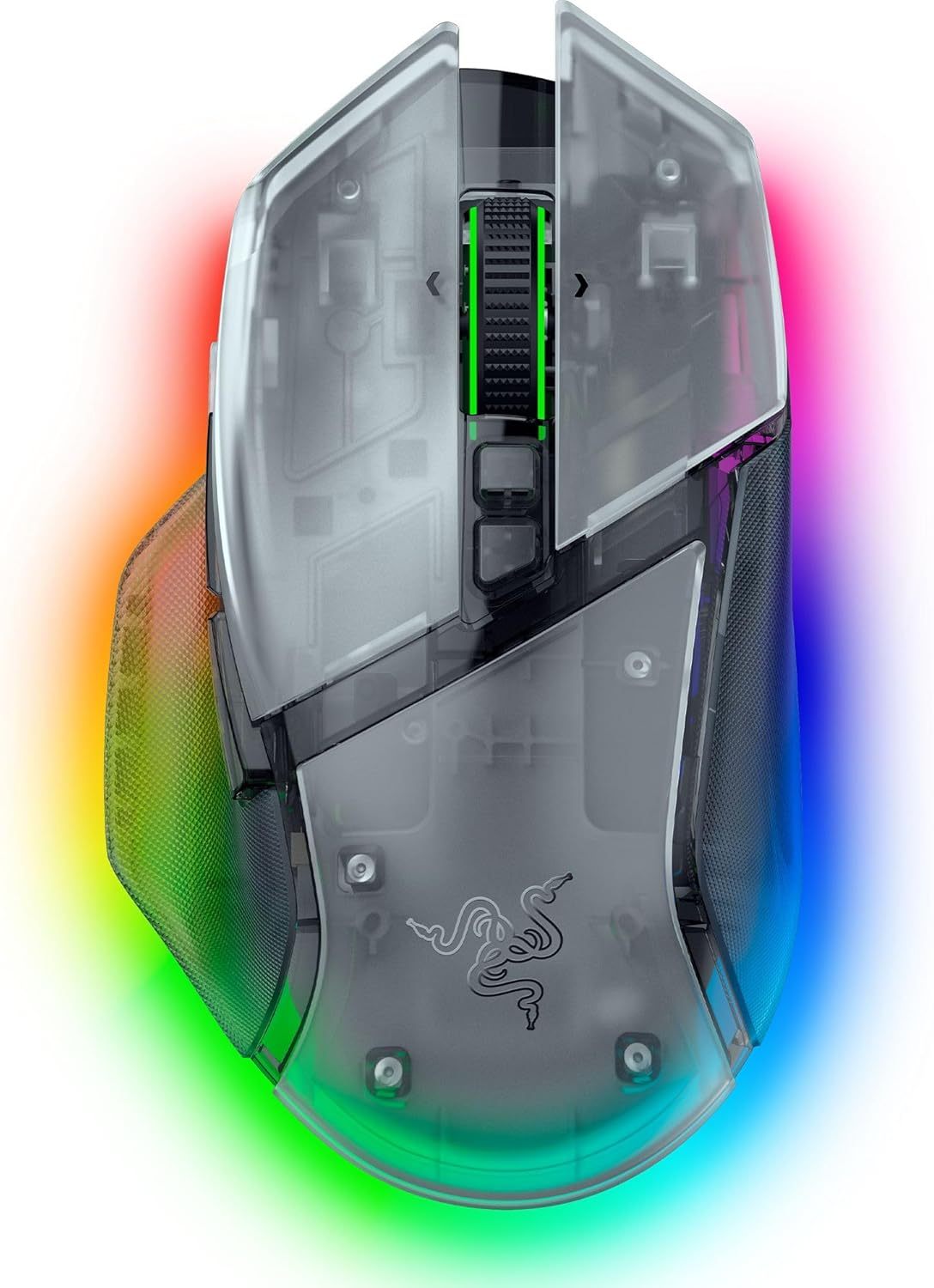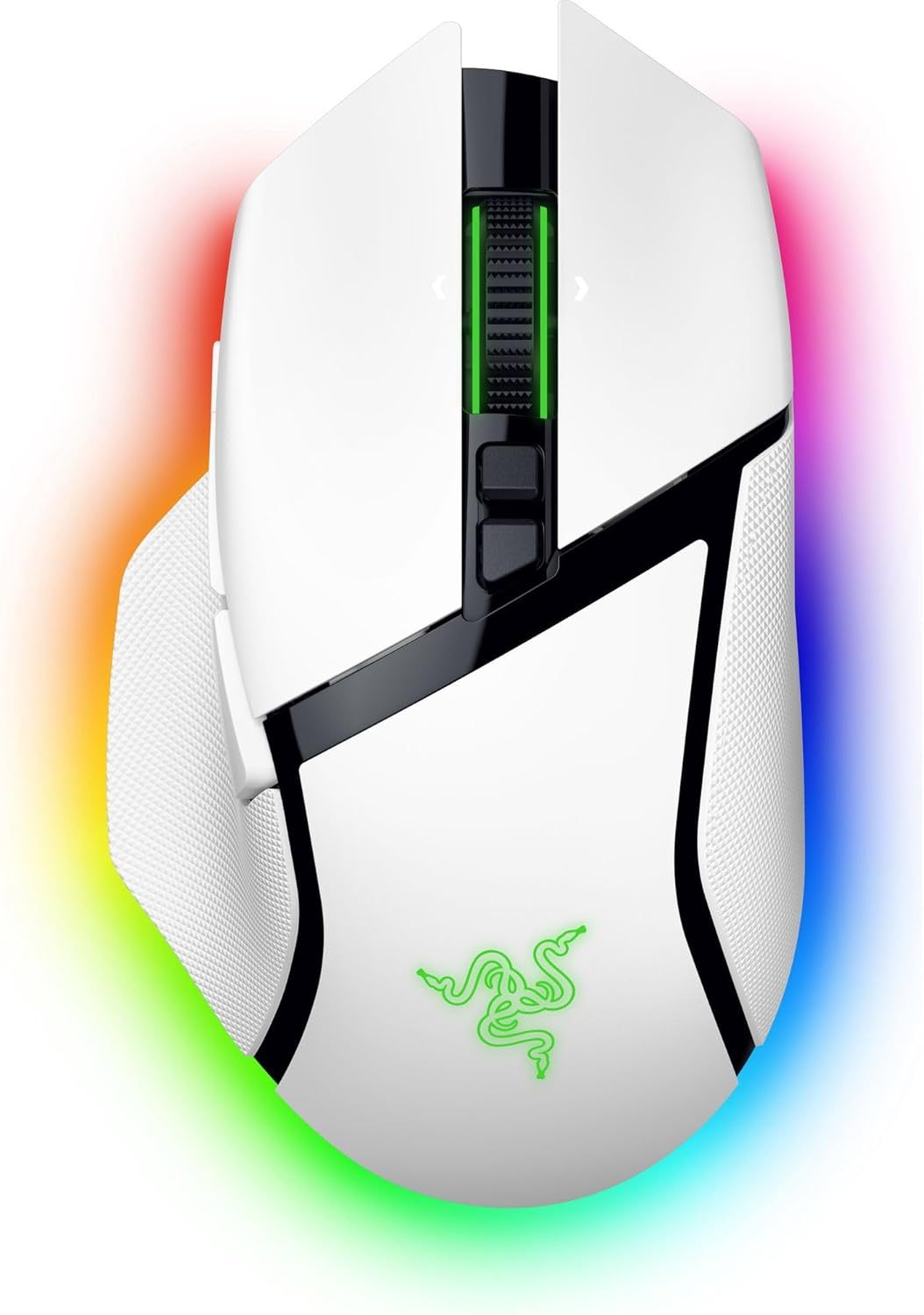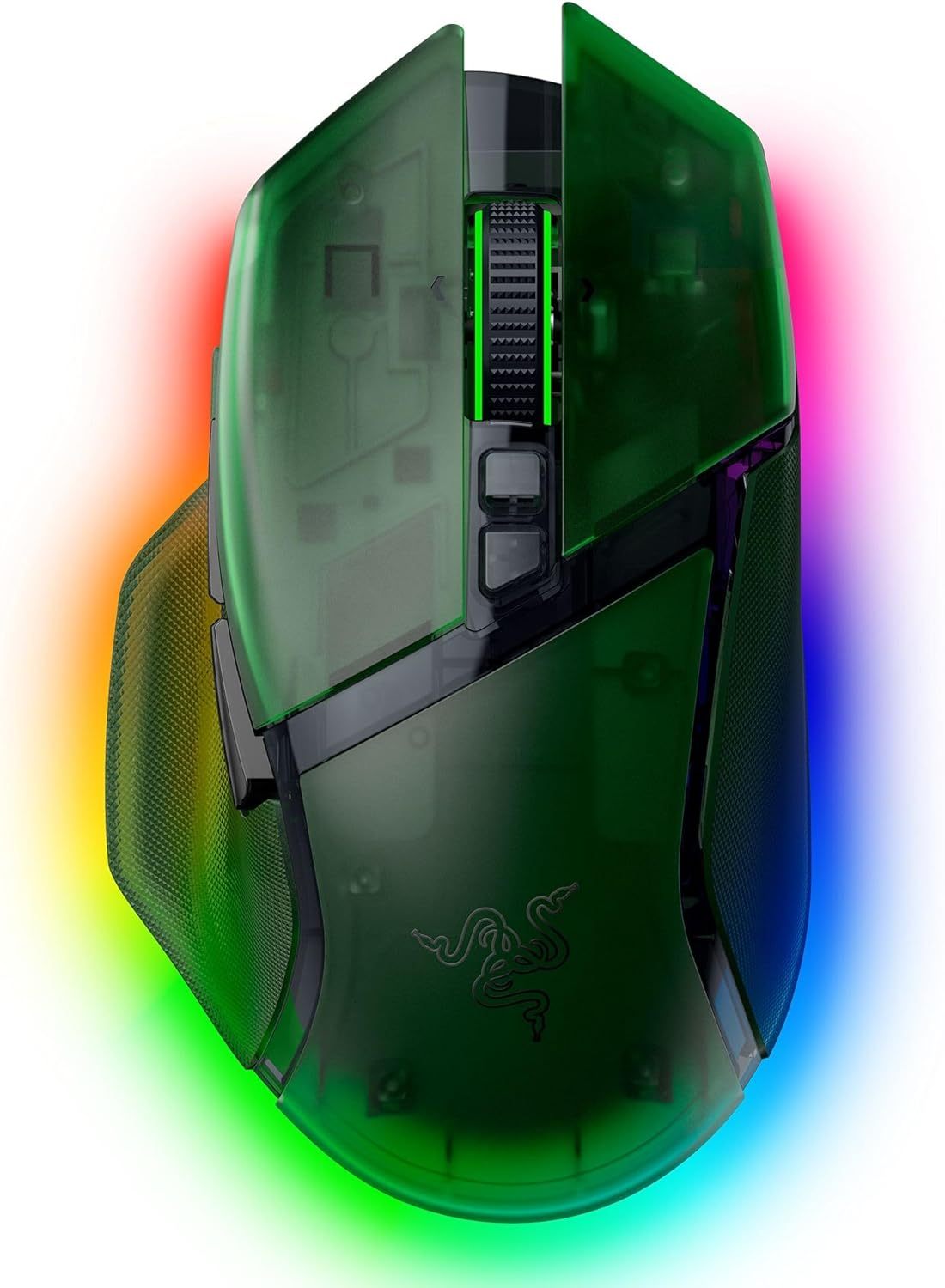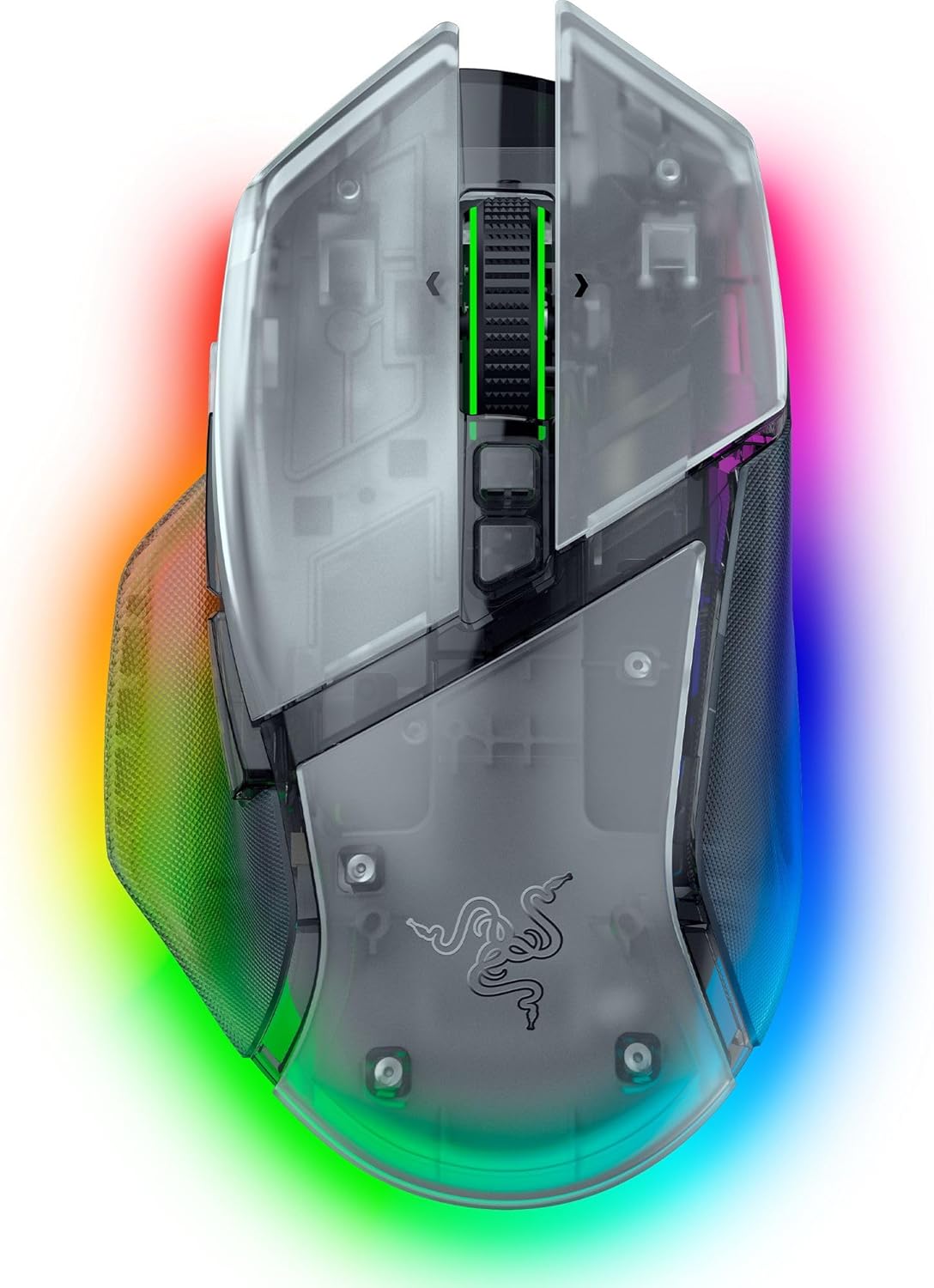
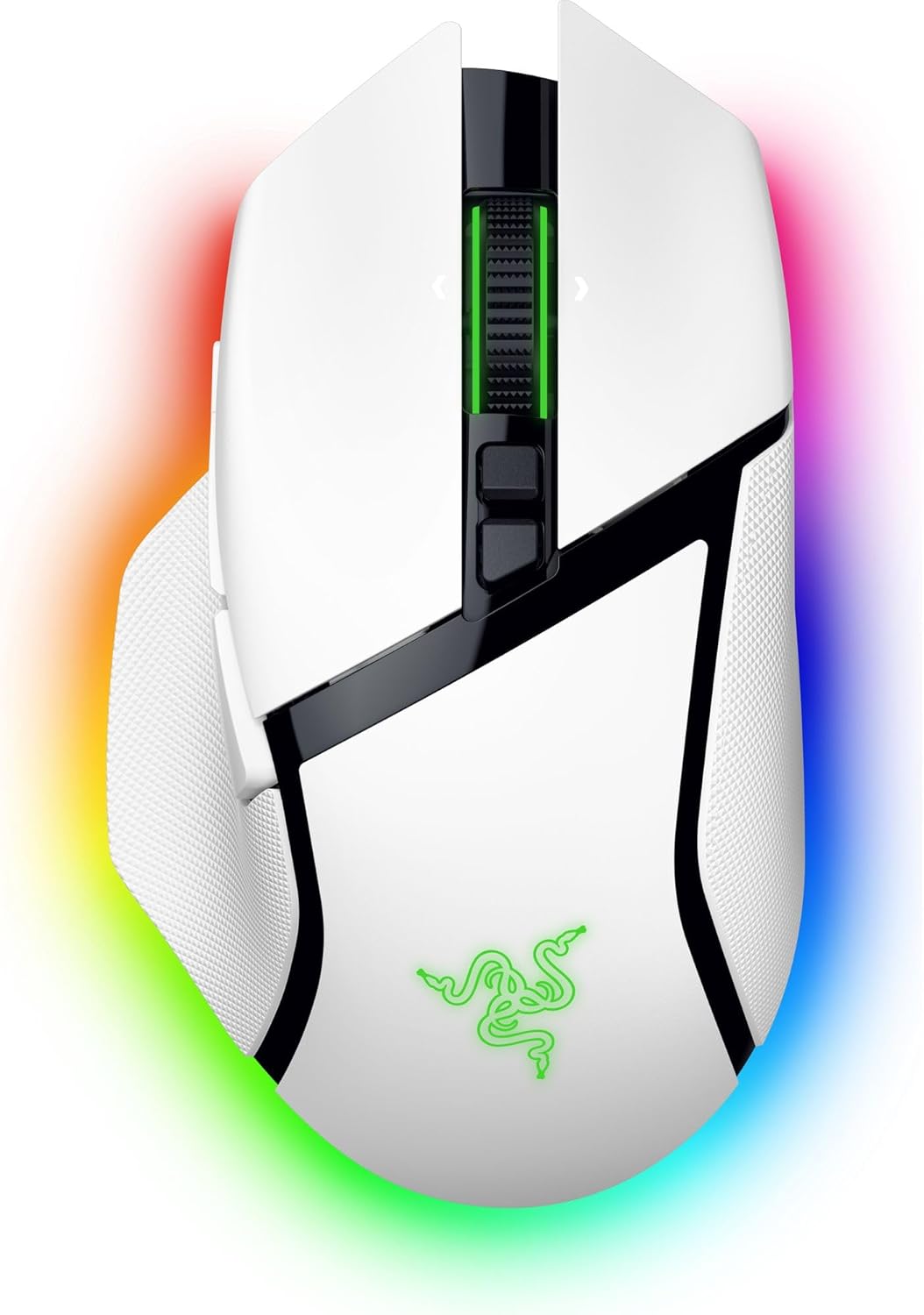

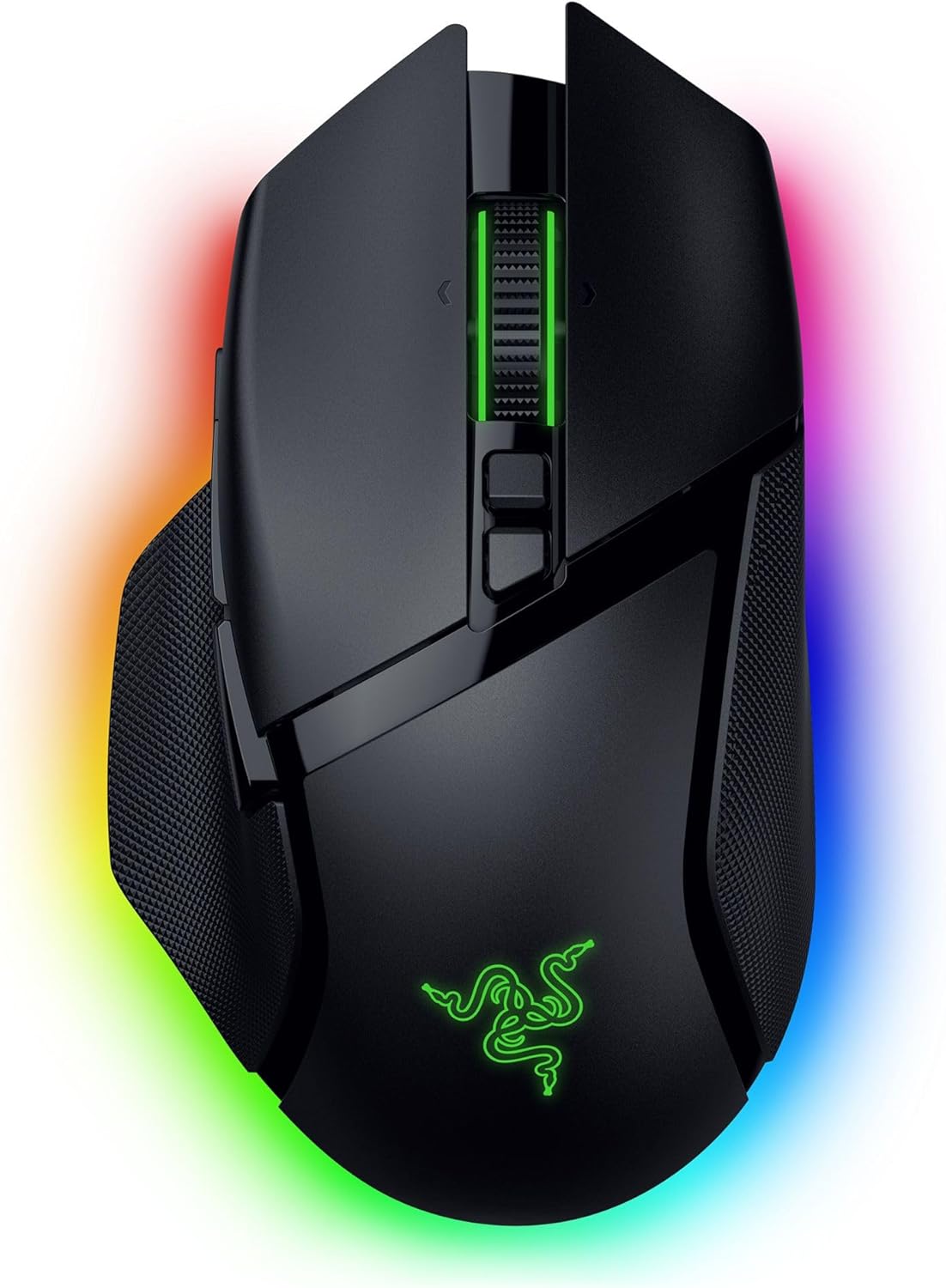
Razer Basilisk V3 Pro Wireless Gaming Mouse, 35K DPI Sensor, HyperScroll Tilt Wheel, Optical Switches, 13 Customizable Controls, RGB Lighting, Up to 140-Hour Battery Life, Phantom White
| Brand | Razer |
| Color | Phantom White |
| Connectivity Technology | 2.4GHz Wireless, Bluetooth, USB |
| Special Feature | 2.4Ghz Wireless, Bluetooth, 35K DPI Optical Sensor Gen 2, HyperScroll Tilt Wheel, Up to 140 Hr Battery |
| Movement Detection Technology | Optical |
About this item
- CONFIGURABLE HYPERSCROLL TILT WHEEL — Choose between tactile cycling and smooth, free-spin scrolling, or auto-switch between them based on the scroll speed in Smart-Reel mode—now configurable on Synapse
- RAZER FOCUS PRO 35K OPTICAL SENSOR GEN-2 — Experience best-in-class tracking performance on a wider variety of surfaces including glass, supported by intelligent functions and 1-DPI step adjustments for more granular aim and control
- UP TO 140 HOUR BATTERY ON RAZER HYPERSPEED WIRELESS — Enjoy smooth, lag-free performance for non-stop play or unlock a true 8000 Hz polling rate with the Razer Mouse Dock Pro or HyperPolling Wireless Dongle (both sold separately)
- 13 CUSTOMIZABLE CONTROLS — Assign an endless combination of commands and macros across 13 easy-access controls, including its acclaimed multi-function trigger to execute essential actions like push-to-talk, ping, and more
- 12-ZONE CHROMA LIGHTING WITH FULL UNDERGLOW — Customize each zone from over 16.8 million colors and countless lighting effects, and experience greater immersion as they react dynamically with over 200 Chroma-integrated games
- RAZER OPTICAL MOUSE SWITCHES GEN-3 — From an improved 90-million click lifecycle with zero double-clicking issues, to a blistering 0.2 ms actuation with no debounce delay, enjoy reliability and speed that outshines all others
- OPTIMIZE MOUSE ACCURACY — Improve accuracy by disabling the "Enhance pointer precision" option in the Windows mouse settings, and further optimize performance using the Razer Synapse App
| Connectivity Technology | 2.4GHz Wireless, Bluetooth, USB |
|---|---|
| Additional Features | 2.4Ghz Wireless, Bluetooth, 35K DPI Optical Sensor Gen 2, HyperScroll Tilt Wheel, Up to 140 Hr Battery |
| Movement Detection | Optical |
| Button Quantity | 13 |
| Hand Orientation | Right |
| Compatible Devices | Windows Laptop & Desktop |
| Operating System | Windows |
| Battery Average Life | 140 hours |
| Number of Batteries | 1 Nonstandard Battery batteries required. (included) |
| Hardware Platform | Mac, PC |
| Power Source | Battery Powered |
| Mouse Maximum Sensitivity | 35000 dots_per_inch |
| Minimum Required Operating System Version | Ubuntu 24.04 Noble Numbat, Windows 11 |
Basilisk V3 Pro 35K Phantom White Edition
Merchant Video-

3 Scroll Wheel Modes
Enjoy tactile, free-spin, or auto-switch between both with Smart-Reel mode—configurable on Synapse
-
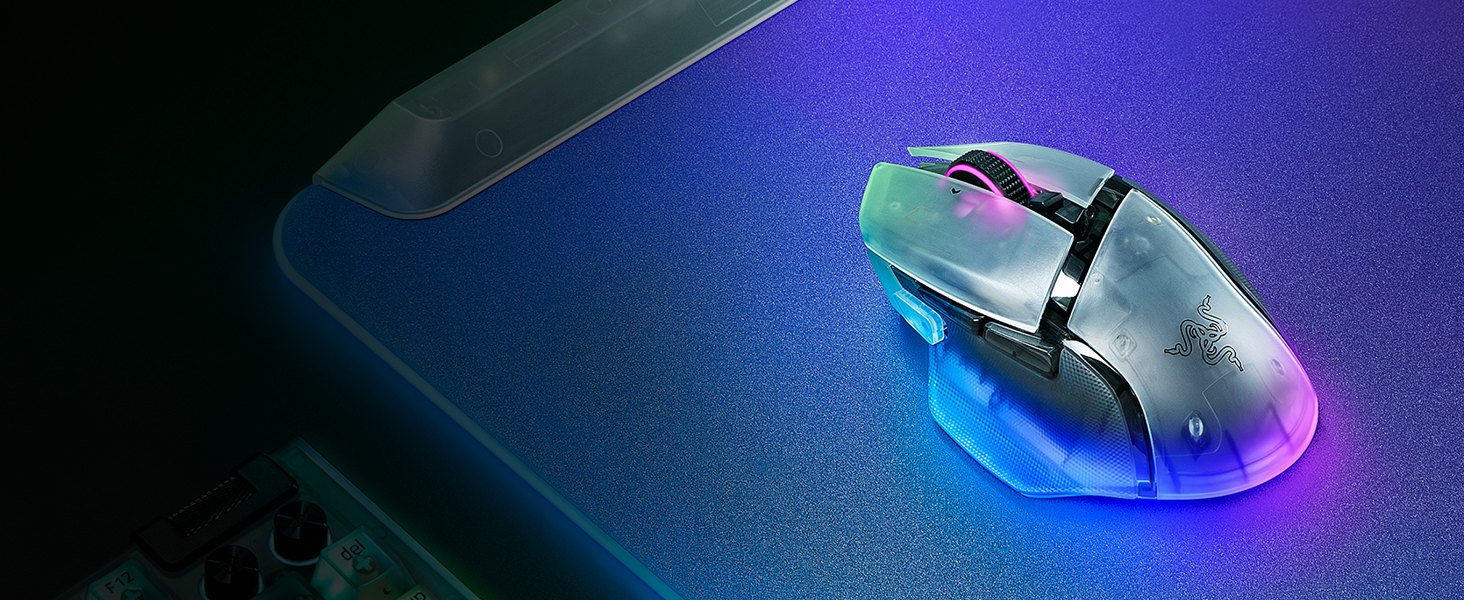
12-Zone Chroma Lighting With Full Underglow
Customize each zone from 16.8 million colors and countless lighting effects
-

A New Class of Precision
99.8% resolution accuracy, 1 DPI-step adjustments, precise tracking on more surfaces, and more
-

2 Wireless Modes
Up to 140 hours on HyperSpeed Wireless or 210 hours on Bluetooth on a single charge
-

Reliable & Tactile
Lasts up to 90-million clicks, no double-clicking issues, and a more tactile feel
-
New Customization Features
Optimize the mouse to match your playstyle by utilizing our latest tools
-

5 Levels of Adjustable Tension
Set the amount of scrolling force required to auto-switch from tactile to free-spin mode
-

5 Levels of Scroll Acceleration
Virtually accelerate your scroll speed from a range of multipliers
-

Port Over Your DPI in 3 Steps
Precisely port over the DPI settings of your current mouse to the Basilisk V3 Pro 35K
-
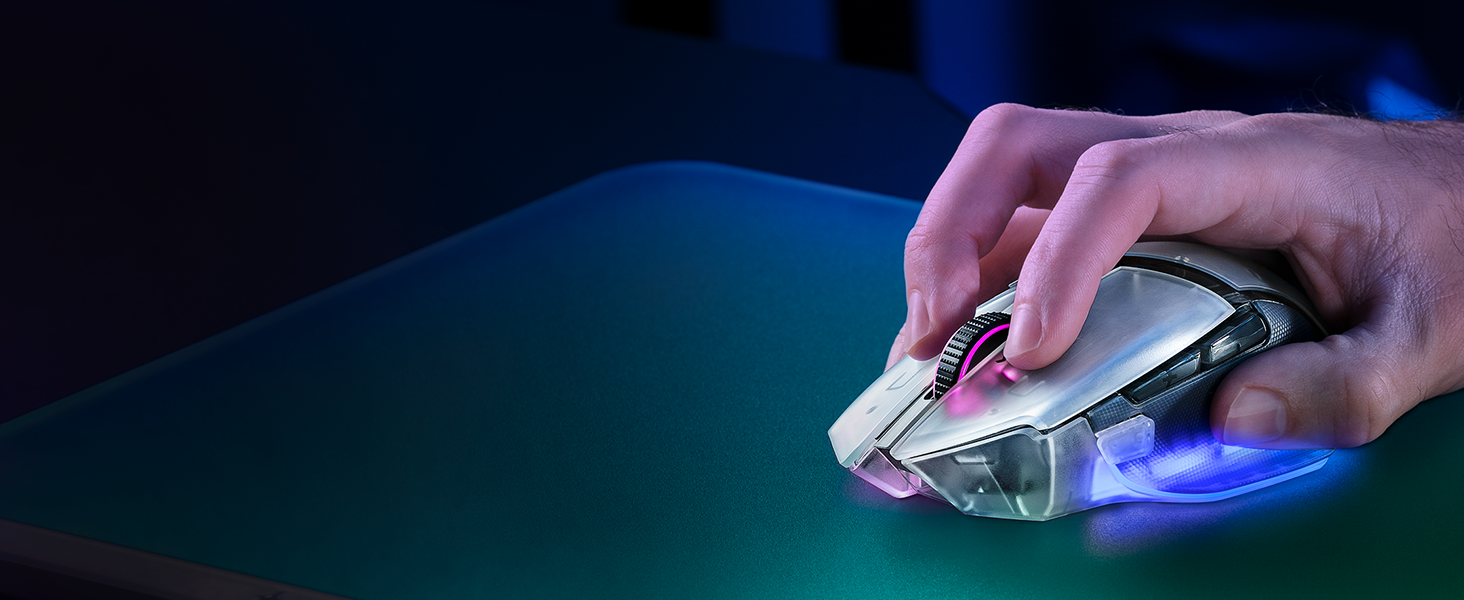
Prolonged Battery Life
Auto-switch between high and low polling rates when in or out of games to conserve battery
-
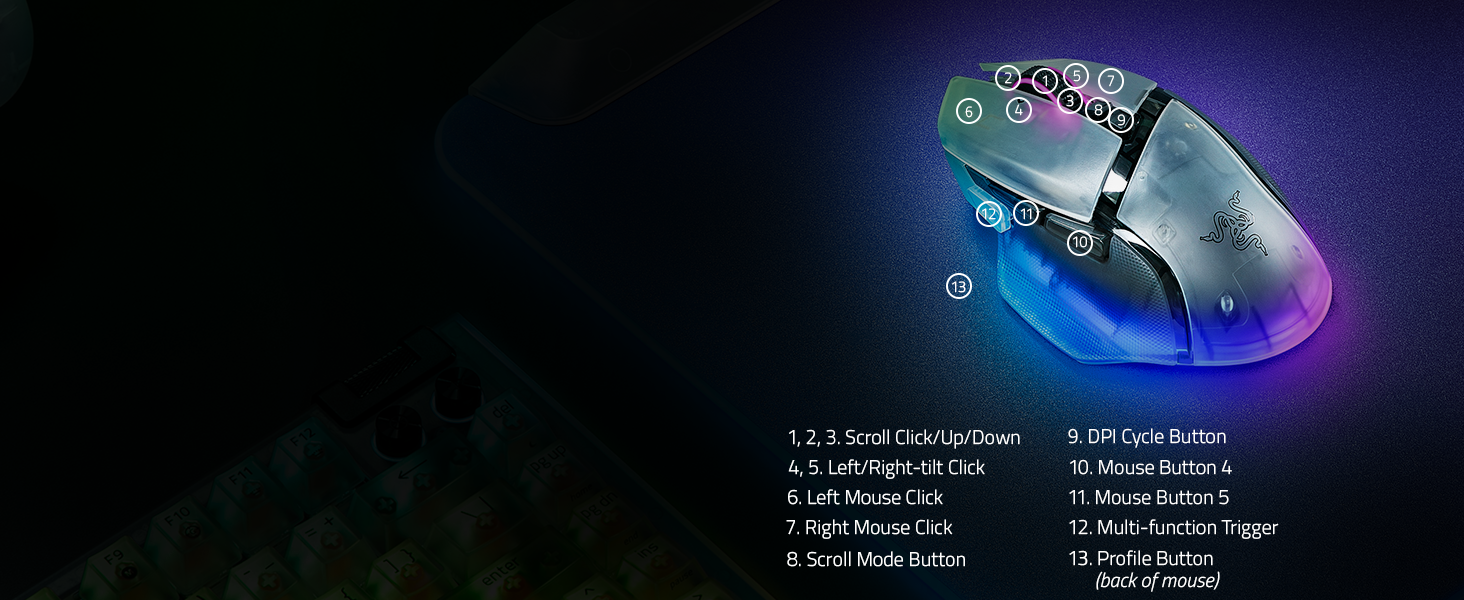
13 Customizable Controls
Assign controls and perform essential actions like push-to-talk, ping, and more
-
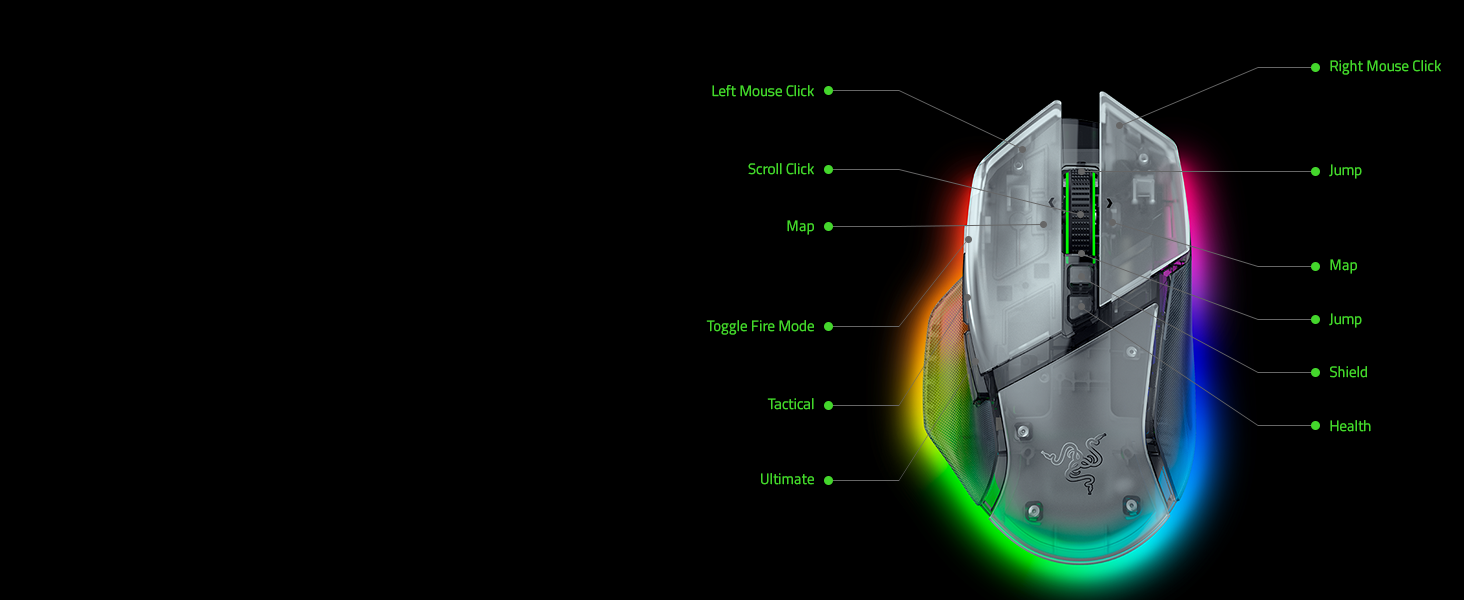
Battle Royale Games
Optimize your gameplay with our recommended button mappings for battle royale games
-
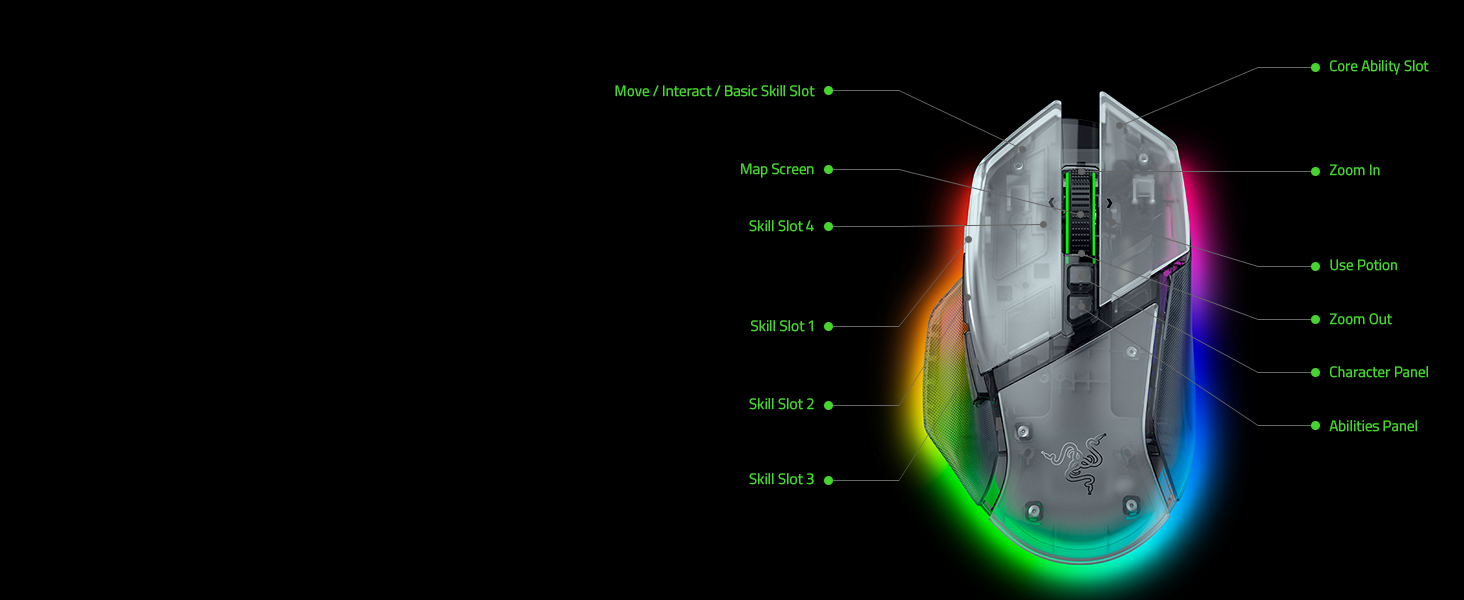
Role-Playing Games
Master your rotations with our recommended button mappings for RPG-centric titles
-
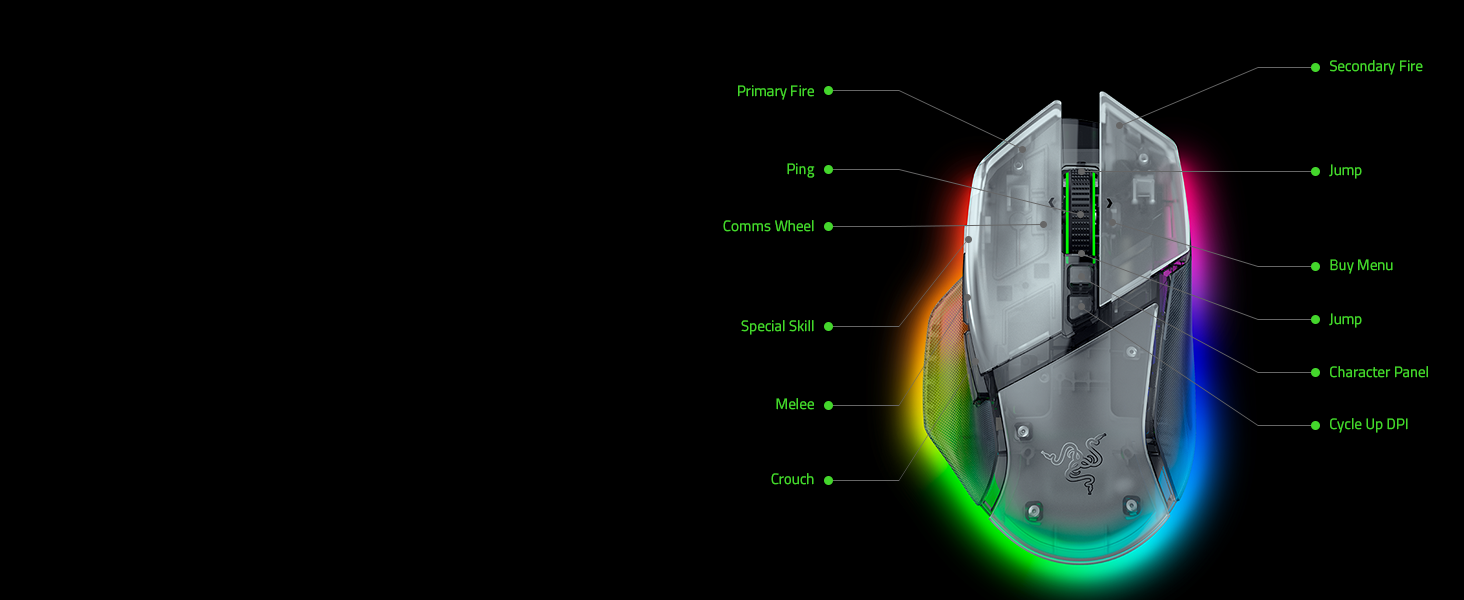
First-Person Shooters
Maximize your precision with our recommended button mappings for FPS

Next-Gen Wireless Charging
Unlock the mouse's true capability for seamless, convenient charging by pairing it with the Mouse Dock Pro or Wireless Charging Puck (both sold separately)
-

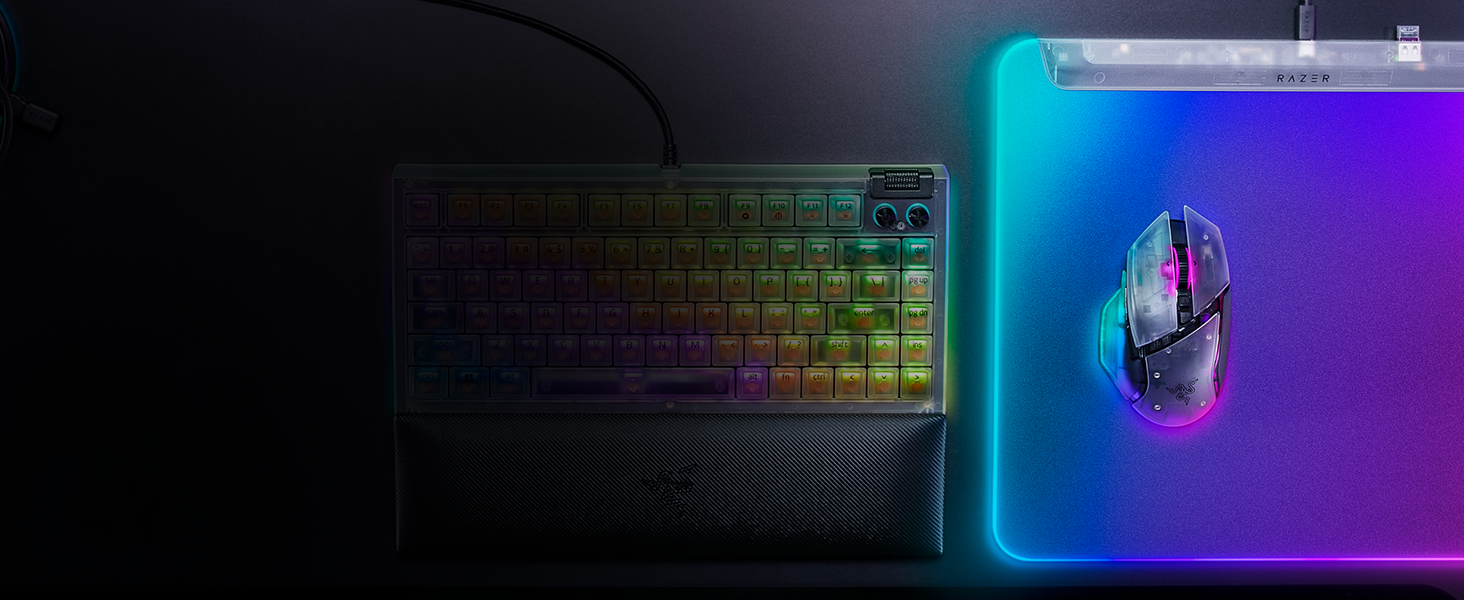
Complete your Phantom White Collection Setup
Complete your Chroma upgrade by pairing it with our best RGB gaming peripherals. Explore our latest gear designed for maximum illumination and immersion
-
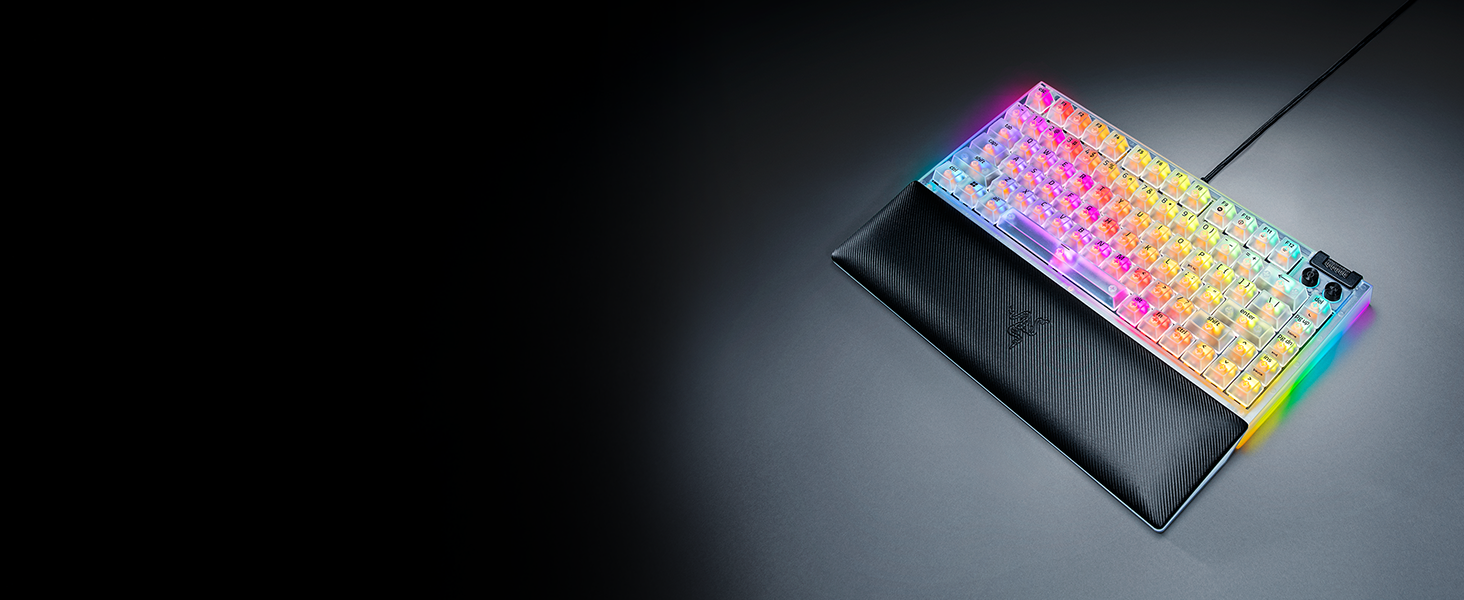
Razer BlackWidow V4 75% Phantom White Edition
Empower your play with the ultimate mechanical gaming keyboard. Take full command with a set of features designed for advanced control, and enhance your immersion with Razer Chroma RGB
-
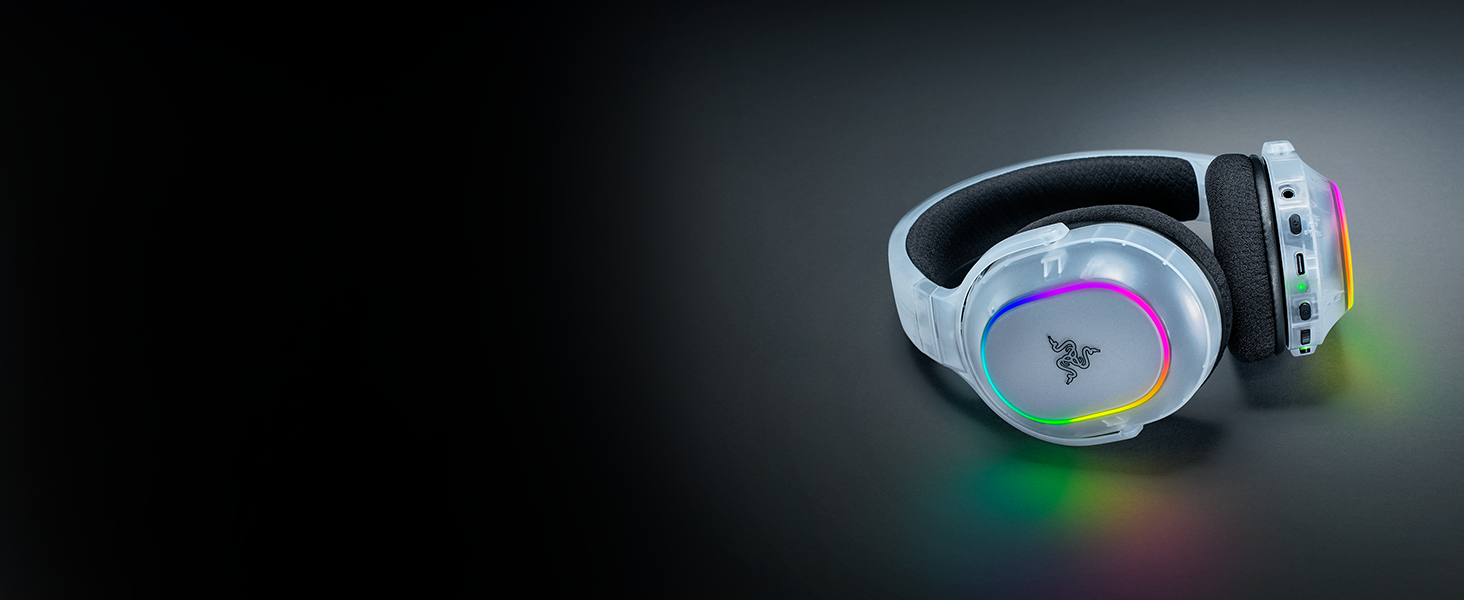
Razer Barracuda X Chroma Phantom White Edition
Experience true audio versatility and flair anywhere with the Razer Barracuda X Chroma. Enjoy new, stunning RGB lighting effects on a wireless gaming headset featuring 6-zone earcup lighting.
-

Razer Firefly V2 Pro Phantom White Edition
Swipe and glide to RGB glory on the world’s first LED backlit gaming mouse mat - armed with 15 individually customizable lighting zones powered by Razer Chroma RGB
What is the form factor of the Razer Basilisk V3 Pro 35K?
The Razer Basilisk V3 Pro 35K features a unique right-handed ergonomic design with a signature thumb rest for less finger drag and smoother flicks when gaming.
How do I remap buttons and customize settings for the Razer Basilisk V3 Pro 35K?
You can configure button mappings, macros, smart-reel mode, level of scroll acceleration, lighting effects and more on Razer Synapse 4.
Does the Razer Basilisk V3 Pro 35K have a tilt scroll?
Yes. In addition, its tilt scroll wheel can also be programmed for custom functions—just like every other button on the mouse.
What does the cover puck at the bottom of the Razer Basilisk V3 Pro 35K do?
It covers a compartment that stores the mouse’s wireless dongle when not in use.
How does the Razer Basilisk V3 Pro 35K work with wireless charging?
With the purchase of the Wireless Charging Puck or Mouse Dock Pro, you can replace the mouse’s cover puck to enable wireless charging. Once the wireless puck has been installed, simply place it on the Mouse Dock Pro or other wireless charging device.